Jekyll 本地预览中文路径问题解决
问题
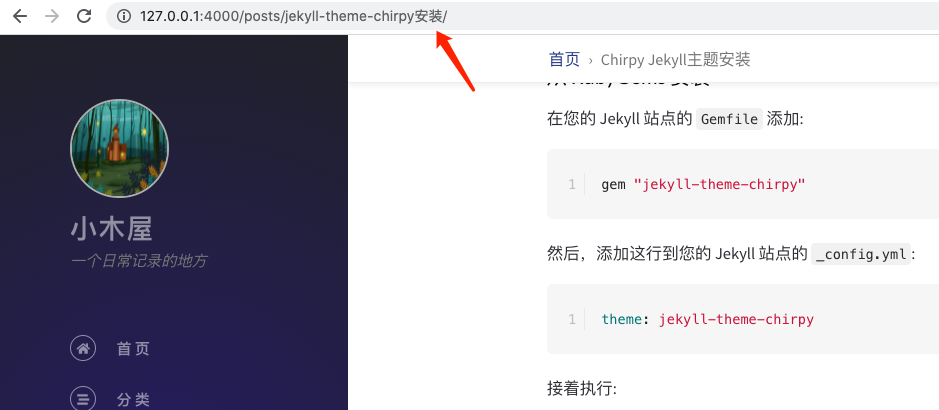
本地预览时,若 markdown 文件名是中文的,会无法访问该文章(Markdown文件)(跳转到 Jekyll 404 页面)
解决
修改 Ruby 的 filehandler.rb 文件,若害怕误操作可以先备份。
使用 which ruby 来查看ruby安装路径。 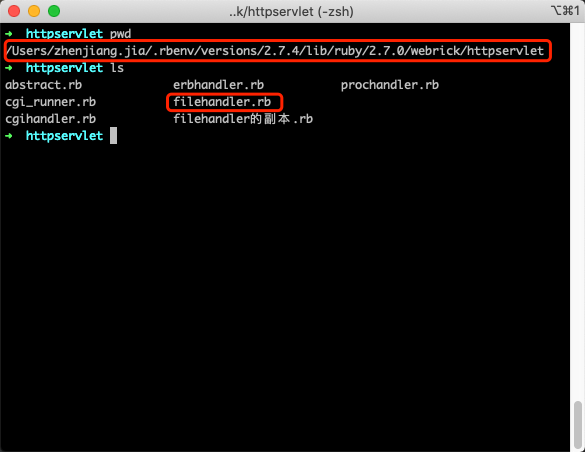
找到下方两段代码,并加入指定代码
第一处
1
2
3
path = req.path_info.dup.force_encoding(Encoding.find("filesystem")
path.force_encoding("UTF-8") # 加入的代码
if trailing_pathsep?(req.path_info)
第二处
1
2
3
break if base == "/"
base.force_encoding("UTF-8") # 加入的代码
break unless File.directory?(File.expand_path(res.filename + base))
重启Jekyll
1
$ jekyll clean && jekyll serve
再次访问正常